Gemini Android Update Forces Users to Scroll for Older Chats
A server-side patch limits the visible chat history to five items and merges scattered preferences into a single menu.
By Lucy Lefebvre ·
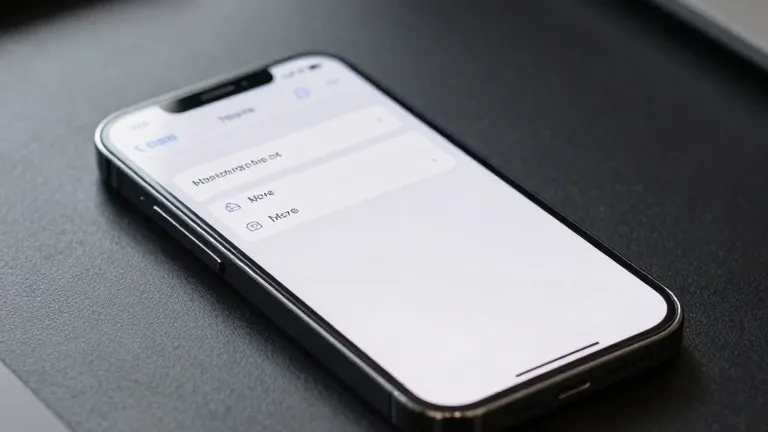
Google is restricting the visible chat history in the Gemini Android app to five entries, a change that requires users to tap a 'More' button to access older conversations. The update arrives via server-side delivery, meaning it is rolling out to Android devices without requiring a new download from the Play Store. This follows a similar interface shift that reached iOS, macOS, and web users last week.
The navigation drawer has been restructured to reduce clutter. The search function now sits in the top-right corner. 'New chat' remains the first item in the list, followed immediately by 'Library.' Previously, the Library option appeared near the bottom of the drawer. For AI Ultra subscribers, the full expanded list includes Images, Scheduled, Daily brief, Customize, Students, Videos, and Gems.
Settings have been consolidated onto one page. Previously, users managed preferences across two separate areas: the account menu and a distinct 'Gemini Settings' section. Google has now merged these into a single interface. The account menu now handles only account switching, feedback submission, and help requests.
The new Settings page opens with 'Manage account' and 'Usage limits.' A 'Preferences' section follows, listing Notifications, Personal Intelligence, Avatar, Task settings, Theme, Skills, Voice, Media, Device controls, Cart and orders, and Gemini Notebook. Theme is the only item labeled as new in this section.
Two additional sections complete the reorganized page. 'Data & privacy' contains Import memory, Contact info from your devices, Gemini Apps Activity, Your public links, and the Privacy Help Hub. 'Get support' lists Help, Report a problem, About, and Updates.
This update is part of a series of recent changes to the Gemini app. Other developments include Gemini Notebook becoming a Connected App, free users shifting to 'Auto' models with new thinking levels, and the introduction of a 'Map' tool. The '/' shortcut for commands was replaced by '@' in these recent updates.
Android users are now seeing these interface changes arrive more broadly after the initial rollout to other platforms. The shift aims to streamline the user experience by centralizing controls and limiting the immediate visual load of the chat history.
Source: 9to5Google