
Proton and Nord enable app-level routing on Windows
New client updates allow users to keep specific programs outside the encrypted tunnel, reducing latency for gaming and local network access.
By Noor Rossi ·
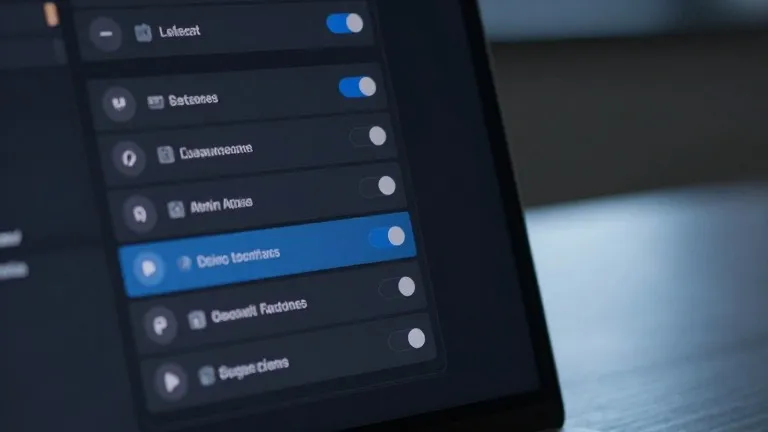
Proton and Nord have updated their Windows clients to give users granular control over which applications route traffic through their encrypted tunnels.
The feature, known as split tunneling, allows specific programs to bypass the VPN entirely while others remain protected. This addresses speed loss and location masking issues that affect users when the VPN is active for all traffic. By excluding specific apps, users can maintain faster connections for online gaming or ensure local device visibility for smart home gadgets and printers without toggling the service on and off.
The implementation differs slightly between the two providers. In the ProtonVPN Windows console, a split tunneling option appears on the right side of the main interface, next to the kill switch and port forwarding controls. Once enabled, users select whether to include specific apps or exclude them, determining which traffic stays outside the tunnel. NordVPN requires users to click the cog icon in the bottom left of the interface to access the split tunneling toggle. After activating the feature, users select the specific applications that should receive VPN protection.
The technology operates by creating an encrypted bridge for data moving to and from the web, shielding user activity from internet service providers and other entities on the same network. Split tunneling sends selected traffic around this bridge. While app-based routing is the most common consumer version, other methods exist. URL-based tunneling sets rules by domain name, allowing users to protect a search page while leaving a local news site unencrypted. Route-based and policy-based tunneling, which rely on IP addresses and broader rule sets, are less common in consumer software and typically serve administrators managing multiple users.
Mobile devices support similar processes through their respective app settings, though with platform-specific limitations. Android devices and desktop platforms offer the same level of app-level control. iPhones typically restrict users to excluding websites and IP addresses rather than entire applications. The setup is generally a one-time task for most users, who can revisit settings to adjust coverage as needed.
The update reflects a standard industry move toward paid-tier features that reduce friction for users. By allowing users to define exactly which apps require encryption, the providers aim to balance security with performance. The feature ensures that sensitive banking apps remain protected while less critical applications like weather services connect directly to the internet, reflecting the user's actual location.
Source: Wired